Dashboard
Overview
”Dashboard” allows you to get a quick overview of the order sales and numbers of a specific Company. You can also see the changes through charts to monitor your business growth.
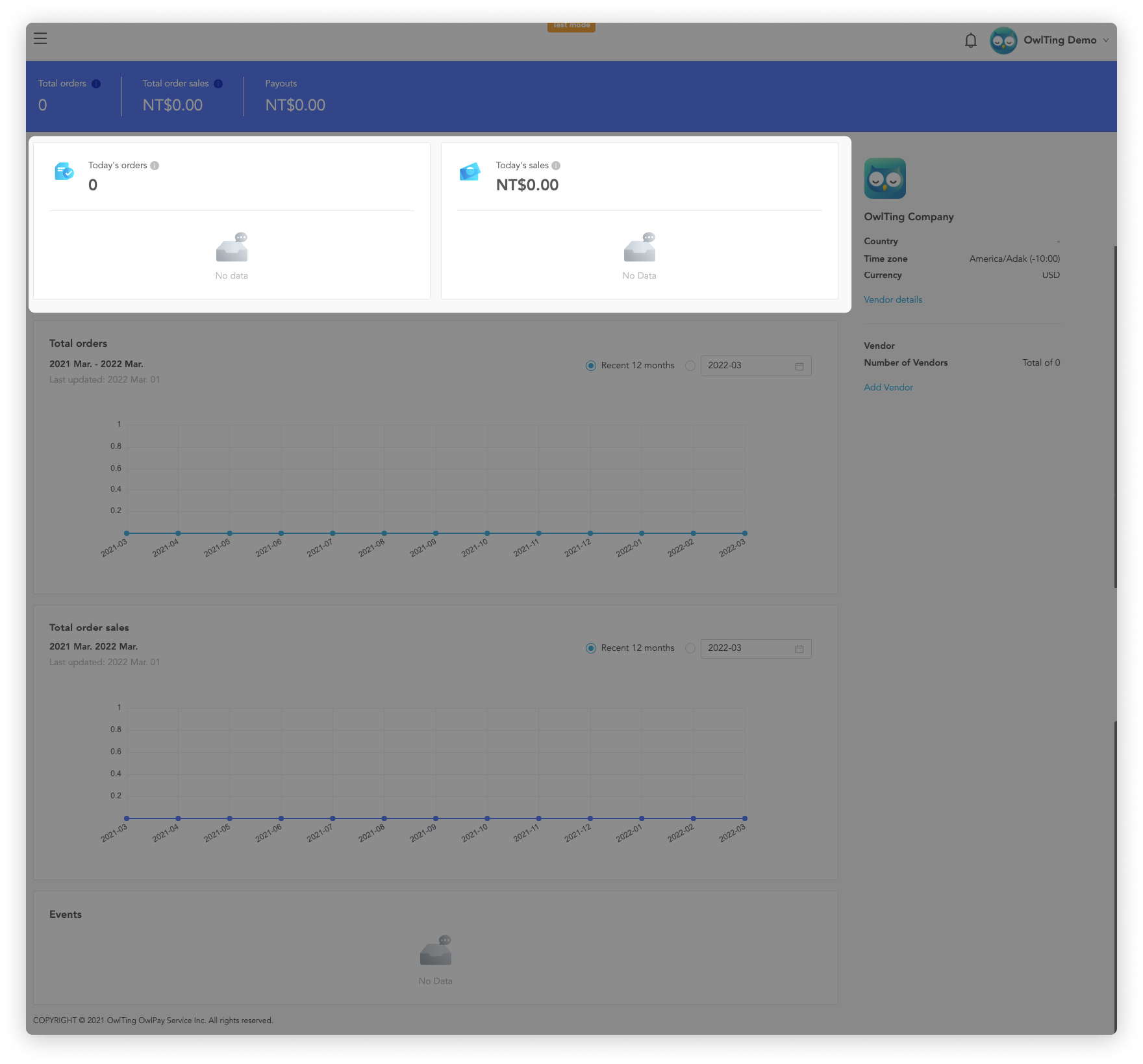
View today's orders and sales
Display the number and sales of orders added up for this company today.
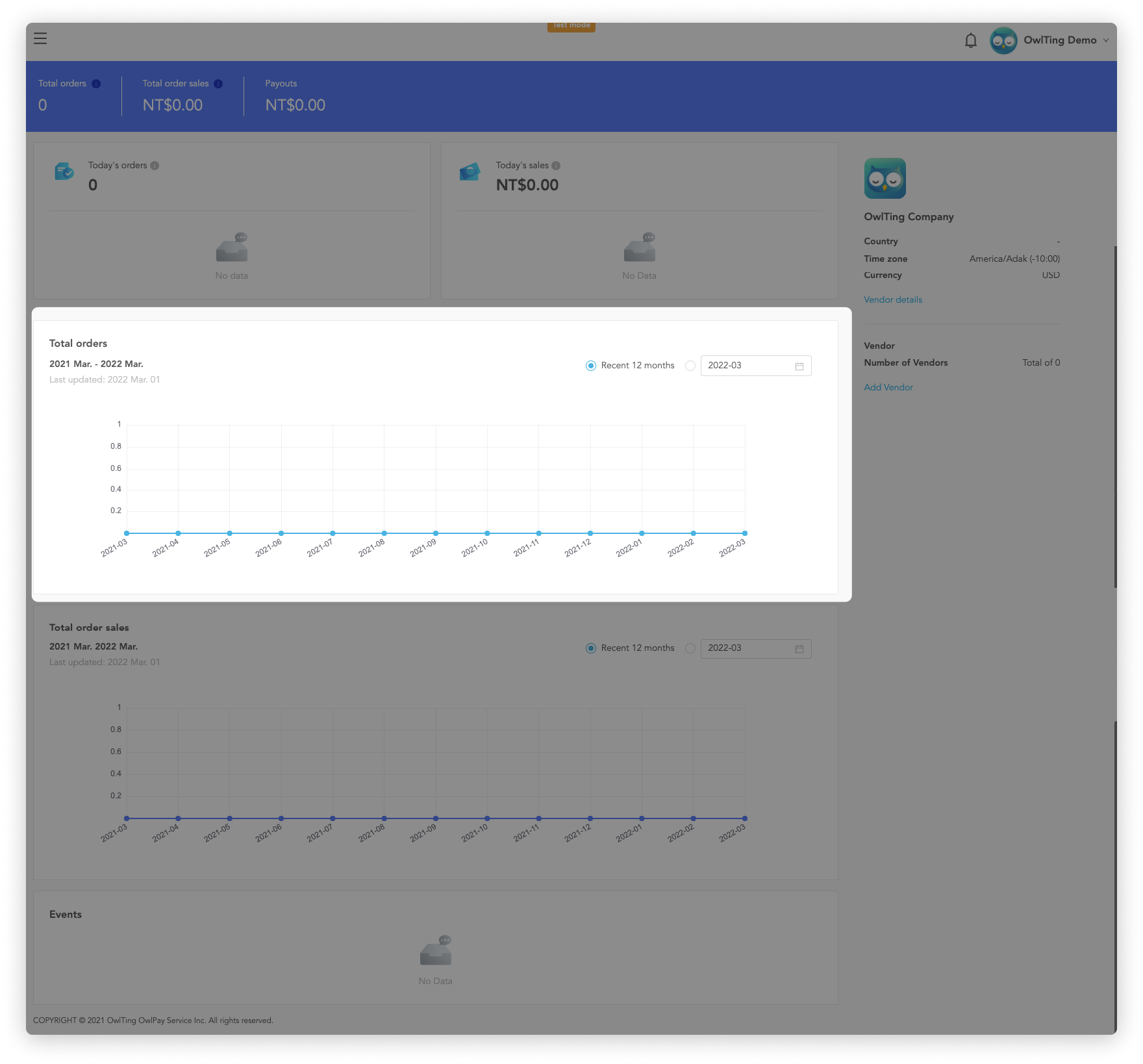
View Total orders
Display the order numbers of this company. (default is the recent 12 months)
You can click the “Calendar** icon**” to adjust the displayed date interval.
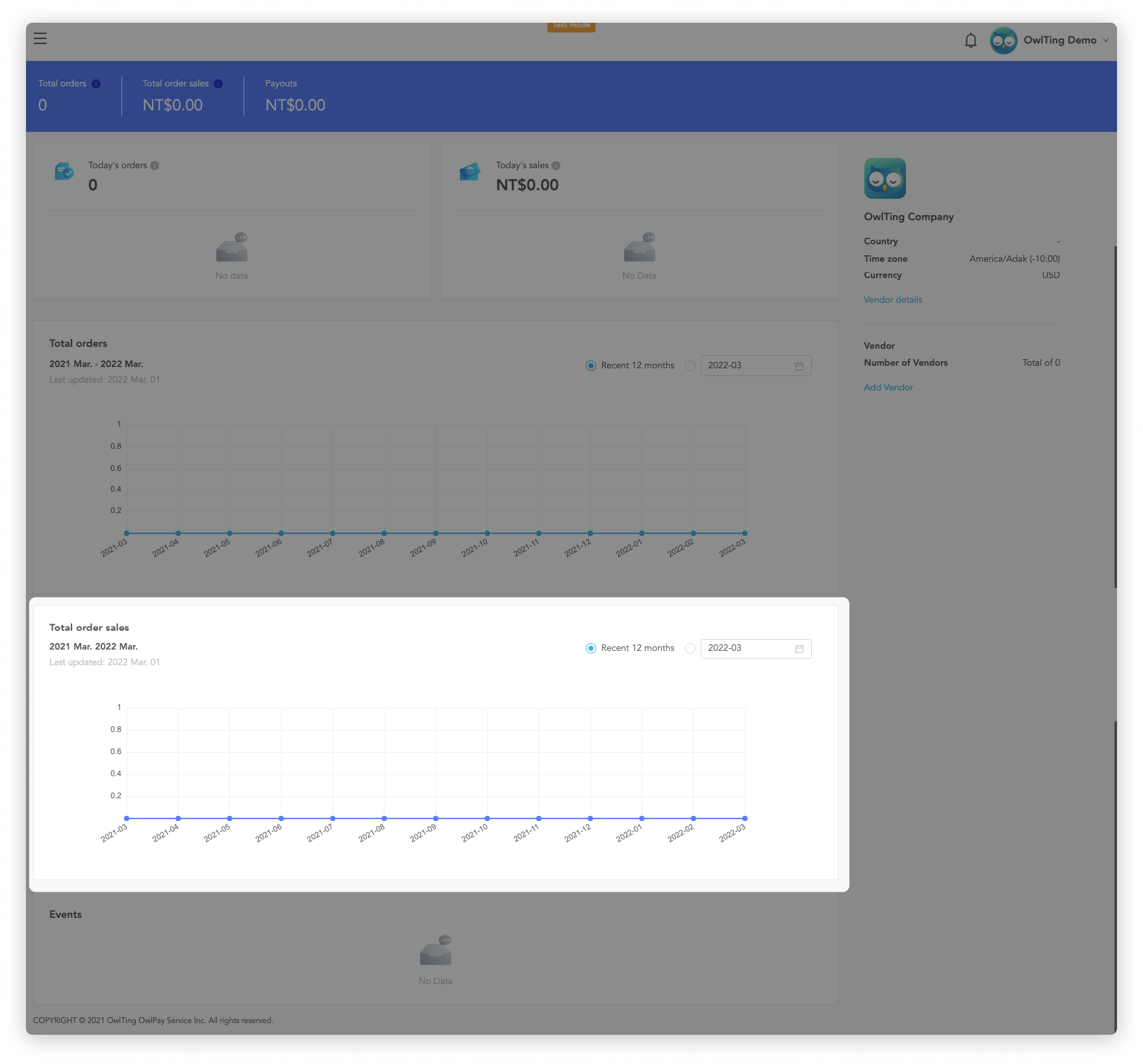
View total order sales
Display the order sales of this company. (Default is the recent 12 months).
You can click the “Calendar icon” to adjust the displayed date interval.
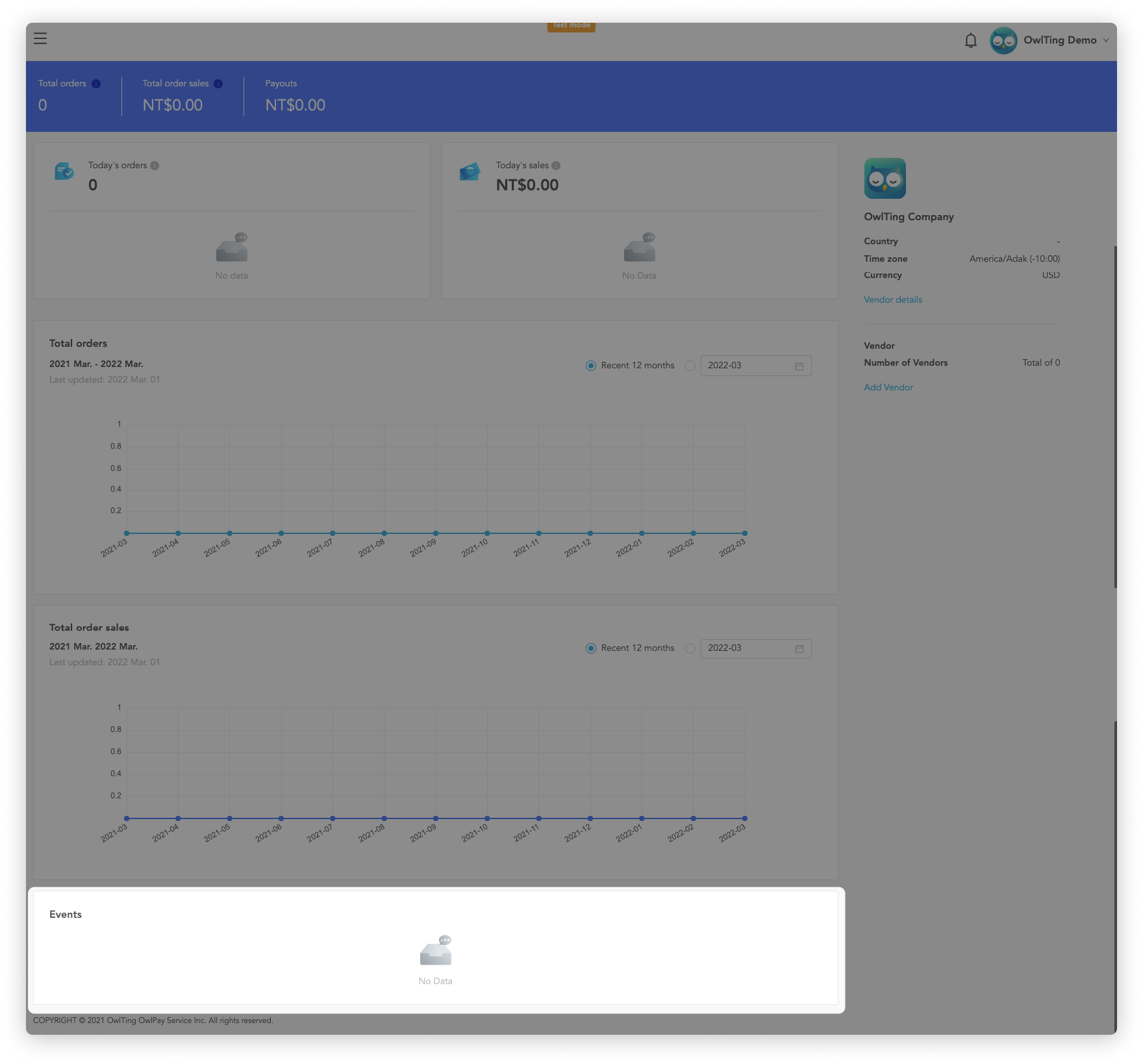
Events
Display order events of this company on OwlPay.